


Original Xbox DVD Delete Adapter
Building a clean DVD-less original Xbox? This DVD Delete Adapter is designed for hard-modded consoles running a BIOS that already supports no-DVD operation.
When the factory DVD drive is removed from an original Xbox, the console can still expect certain tray-state signals to be present at the motherboard DVD power header. If those signal lines are left floating, the console may behave unpredictably, even when using a compatible no-DVD BIOS.
This adapter plugs directly into the motherboard DVD power header and settles the DVD tray-state lines into the expected no-media state, helping to keep your DVD-less build clean, reliable and tidy.
Designed for Hard-Modded No-DVD Builds
This adapter is intended for original Xbox consoles that have been hard-modded and are running a BIOS with proper no-DVD support.
It does not replace the full DVD drive logic board, does not emulate a DVD drive as an IDE device, and does not bypass the stock Microsoft BIOS DVD drive check by itself.
If your console is still running a stock/OEM BIOS, removing the factory DVD drive may still result in a DVD-related error.
Why Use One?
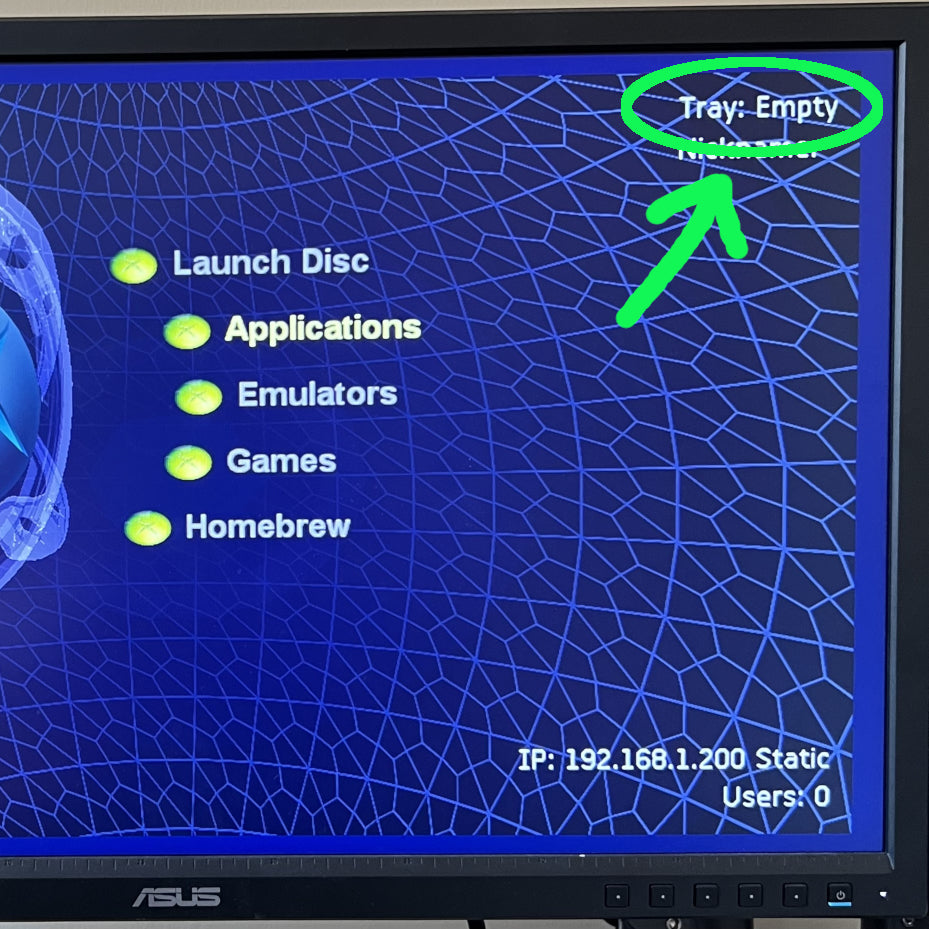
Even with the DVD check disabled in the BIOS, the Xbox’s onboard System Management Controller can still monitor the DVD tray-state lines. If those lines are left floating, the console may see noisy or unstable tray-state behaviour.
This can potentially cause odd symptoms such as slow booting, delayed dashboard loading, slow game launching, or the console acting as though the DVD drive state is changing in the background.
The DVD Delete Adapter gives the console a clean, stable signal without needing the original optical drive installed.
Key Features
- Designed for original Microsoft Xbox consoles
- Suitable for hard-modded systems running a no-DVD compatible BIOS
- Allows the factory DVD drive to be removed from compatible builds
- Plugs directly into the motherboard DVD power header
- Helps stabilise DVD tray-state signals
- No soldering required for the basic DVD delete function
- Useful for custom builds, repair benches, test systems and DVD-less consoles
- Low-profile board design for a neat internal installation
Utility Pads & Power Safety
The board includes clearly labelled utility pads for 5V, 12V and GND. These pads expose the same power rails normally available at the original Xbox DVD power connector and can be used as convenient solder points for suitable internal accessories.
Important: the utility pads are rated at 2 amps continuous per power rail. Do not exceed this rating.
These pads are intended for sensible single-device internal accessory use, such as:
- Properly rated hard drives
- SSDs
- Small fans
- Basic LEDs
- Other low-to-moderate current internal accessories
They are not intended for:
- Multi-drive setups
- Large LED strips
- High-wattage lighting
- Multiple high-current accessories
- Any sustained load above the 2 amp per-rail rating
Overloading the utility pads or connected power rails may cause instability, overheating, damage to the adapter, or damage to the console.
Wiring Guidance
For loads approaching the 2 amp pad rating, 24 AWG stranded wire is recommended.
Flexible silicone-insulated wire is preferred, as it places less mechanical stress on the solder pads. Standard stranded PVC wire may also be used if it is properly routed and supported.
Do not use oversized, overly stiff, or solid-core wire, as this can pull on the pads and place unnecessary stress on the board.
The board includes two GND pads to support normal drive-style power wiring with separate ground returns.
Smaller wire may be suitable for low-current accessories such as basic LEDs, but should not be used for loads near the full 2 amp pad rating. Always check that the wire used is suitable for the voltage, current draw, cable length and accessory being installed.
Storage Device Safety
If using the utility pads to power a hard drive, SSD or other storage device, always check the power ratings printed on the storage device before wiring it in.
Most drives list separate 5V and 12V current ratings on the label. These ratings matter, as the attached drive is usually the main power load — not the SATA or IDE adapter board itself.
Before connecting a storage device, make sure the drive’s current draw does not exceed the adapter’s 2 amp continuous rating per power rail.
LED Safety
LED strips can draw much more current than many people expect, especially RGB strips running multiple colours or full white.
As a basic reference:
- 100 standard 20mA LEDs equals 2 amps
- RGB LEDs can draw up to 60mA each when all three colours are on
- Approximately 32 RGB LEDs can reach 2 amps at full white
Always check the current draw of any LED strip or lighting setup before powering it from the utility pads. Large LED strips or high-brightness lighting should be powered separately and should not be connected directly to this adapter.
Installation
For the basic DVD delete function, installation is simple: line the adapter up with the motherboard DVD power header and press it carefully into place.
No soldering is required unless you choose to use the additional 5V, 12V or GND utility pads.
Important Compatibility Information
- This adapter is for hard-modded original Xbox consoles only
- Your BIOS must already support no-DVD operation
- This adapter does not emulate the DVD drive over IDE
- This adapter does not bypass the stock/OEM BIOS DVD check by itself
- A stock Xbox or stock BIOS may still show a DVD-related error if the DVD drive is removed
What’s Included?
- 1 × Original Xbox DVD Delete Adapter
Credit
This product is based on the DVD Delete Adapter originally designed and supplied by Tony Kuberka of TK’s Custom Super Modz.